A BETTER WAY TO CHOOSE
Buying guides
Four concise guides for the products people use every day. Start with your routine, then check fit, compatibility and return terms before buying.

MOUSE · BUYING GUIDE
Choose a mouse that fits your hand and work
For long desk sessions, shape and grip matter more than a high DPI number. Match the mouse to your hand size and natural grip.
- Check width, height and your natural wrist angle.
- Choose the wheel and side buttons for your daily apps.
- Confirm Bluetooth or receiver support for your devices.
Quick pick: prioritize comfort and a return window; skip gaming specifications if you mainly browse and work.

HEADPHONES · BUYING GUIDE
Choose headphones by where you listen
Commutes reward noise cancelling and a compact case; an open office may call for comfort and reliable calls. Decide the form factor before comparing models.
- Test comfort over a typical listening session.
- Compare ANC, transparency and microphone quality.
- Check multipoint support and replacement tips.
Quick pick: buy the fit you can wear consistently, not the feature list you may rarely use.
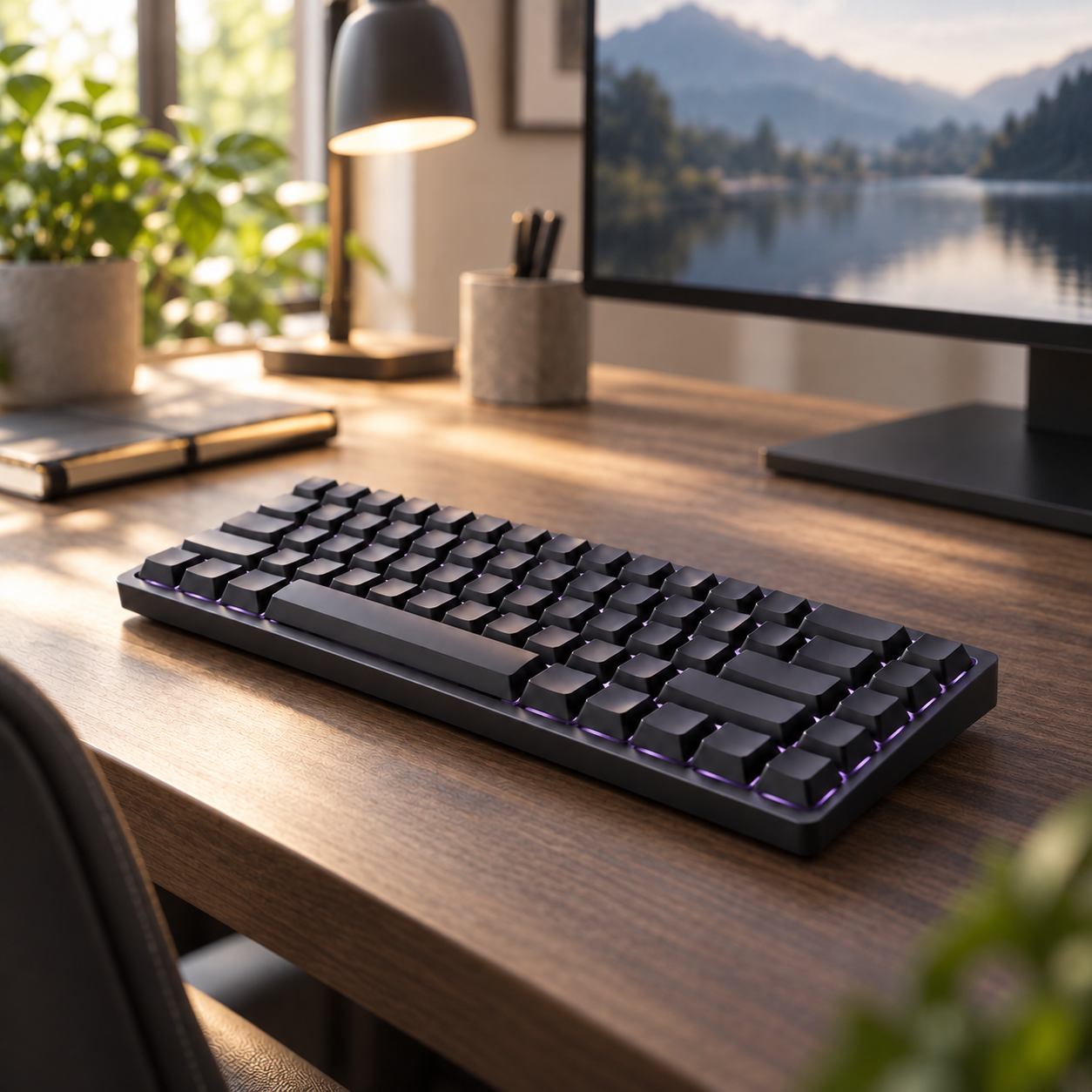
KEYBOARD · BUYING GUIDE
Choose a layout and feel for your desk
Start with desk space and whether you need a number pad. Then choose low-profile or standard height, sound and key travel.
- Pick layout by your daily tasks.
- Try switch sound and force if you share a room.
- Confirm your operating system, layout and wireless modes.
Quick pick: a quiet, familiar layout is usually the easiest shared-office upgrade.
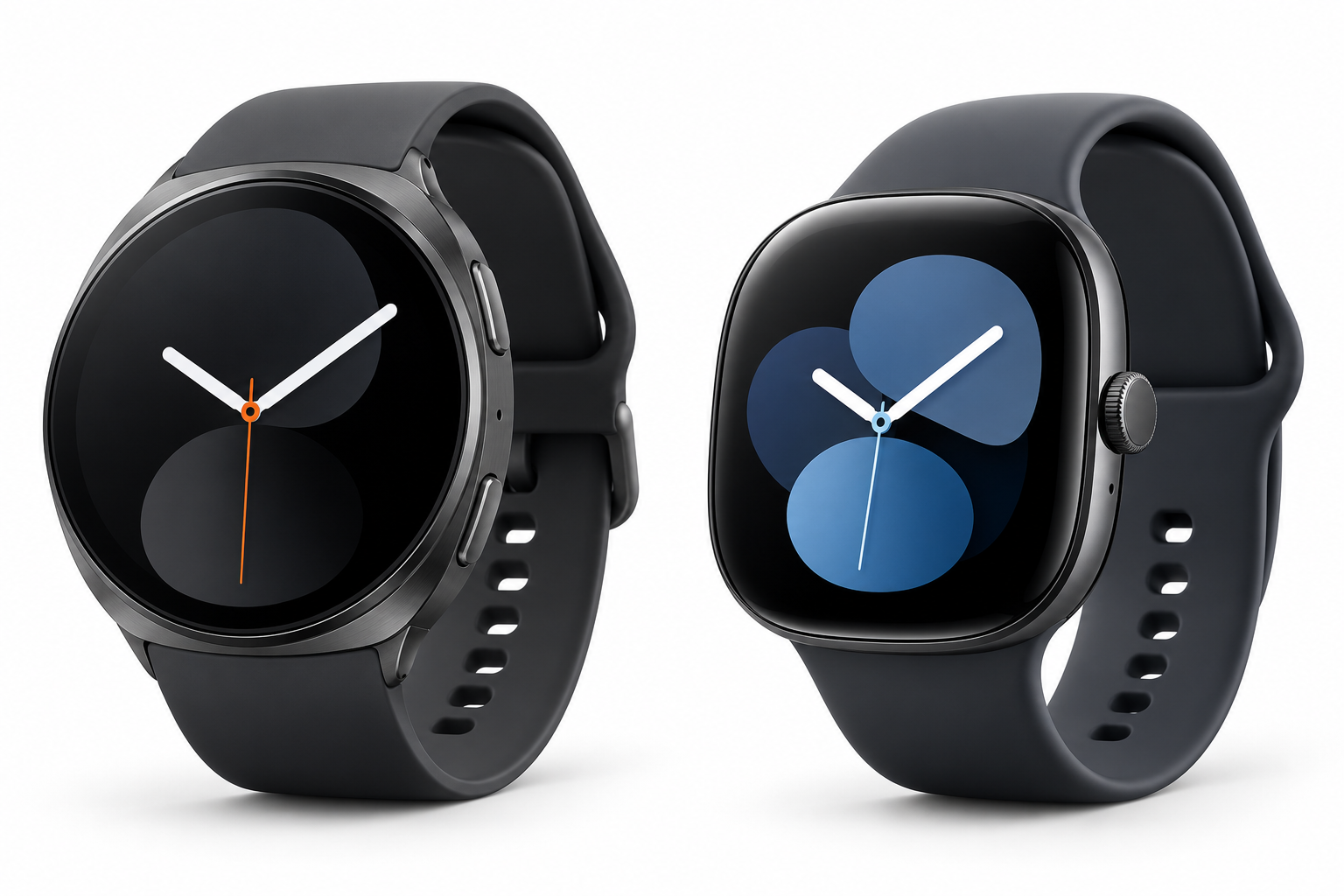
SMARTWATCH · BUYING GUIDE
Choose a smartwatch for your phone and habits
Phone compatibility comes first. Then decide whether health, training, sleep, notifications or fewer charging interruptions matter most.
- Check features for your exact phone model.
- Compare case size, strap comfort and battery claims.
- Confirm subscription requirements for health tools.
Quick pick: choose the watch whose app and charging routine you will keep using.